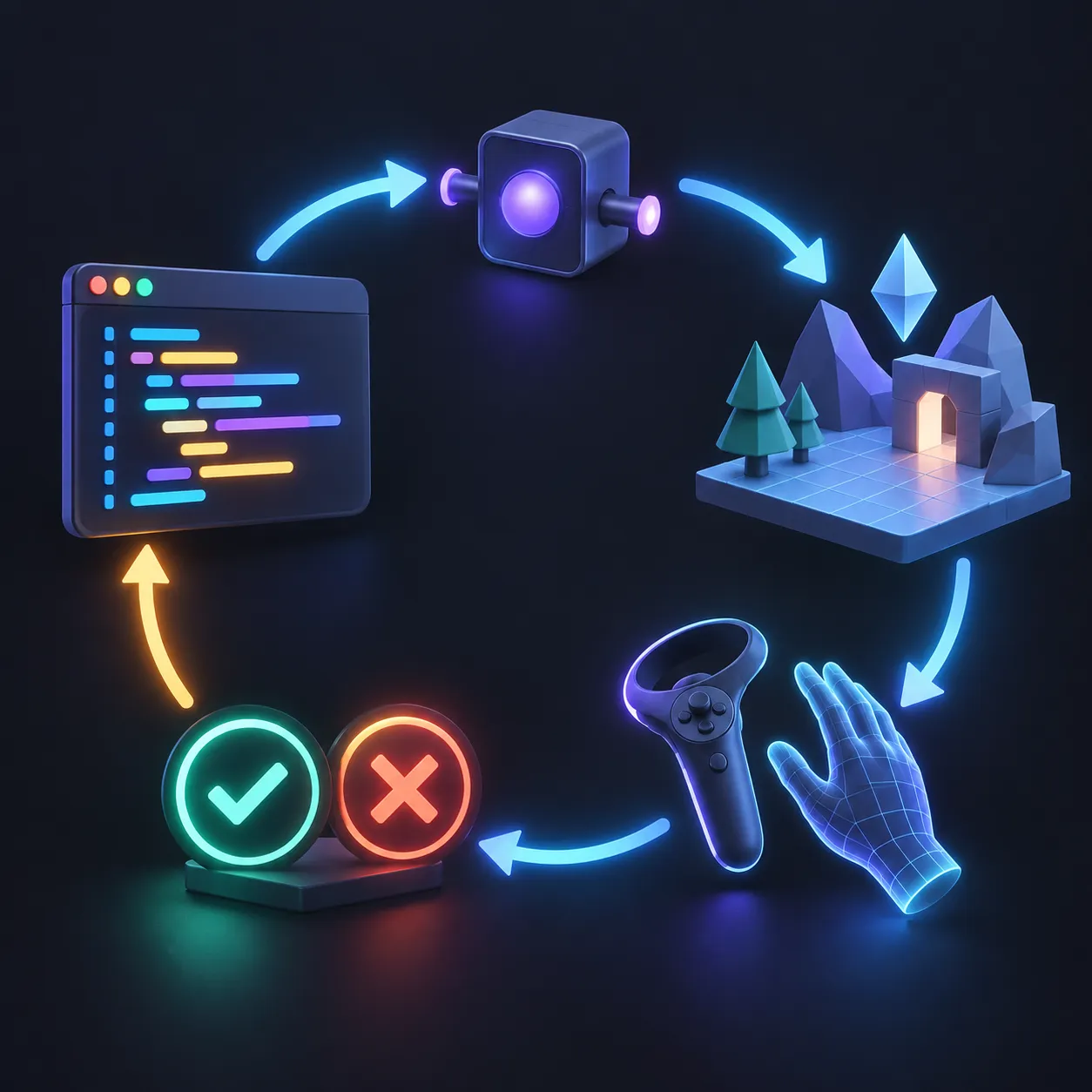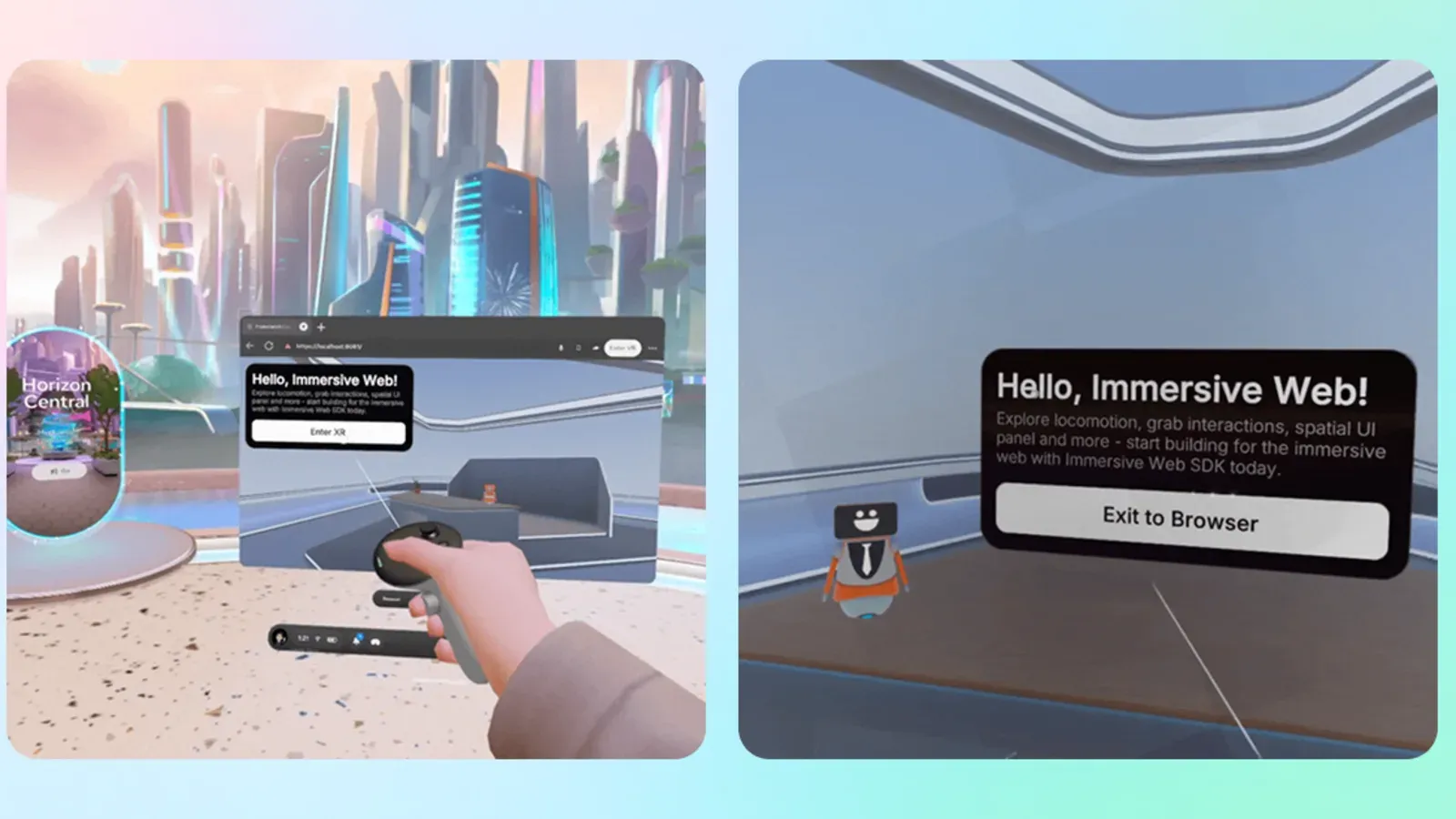
Meta has added tools that let AI coding agents inspect, operate, and test WebXR scenes built with its Immersive Web SDK. The integration goes beyond writing code. An agent can move an emulated headset, use virtual controllers or hands, take screenshots, find a failed interaction, change the project, and test it again.
The workflow runs in a desktop browser and does not require a headset for its basic development loop. Meta says it works with Claude Code, Cursor, GitHub Copilot, Codex, and other coding tools.
What the agent can access
The Immersive Web SDK is Meta's open-source framework for browser-based VR. It uses Three.js and includes physics, hand tracking, grab interactions, movement, spatial interface panels, 3D audio, scene understanding, and browser-based headset emulation.
Its AI integration connects a coding tool to the running development server through Model Context Protocol. Meta says the server exposes more than 40 tools for inspecting the scene, controlling simulated XR input, debugging the underlying entity component system, and searching the SDK's code and documentation.
This closes a gap in normal AI-assisted development. A coding model can generate a hand interaction, then use the emulated scene to check whether a virtual hand can reach, grab, and release the object. If the test fails, it can inspect the scene and revise the code before trying again.
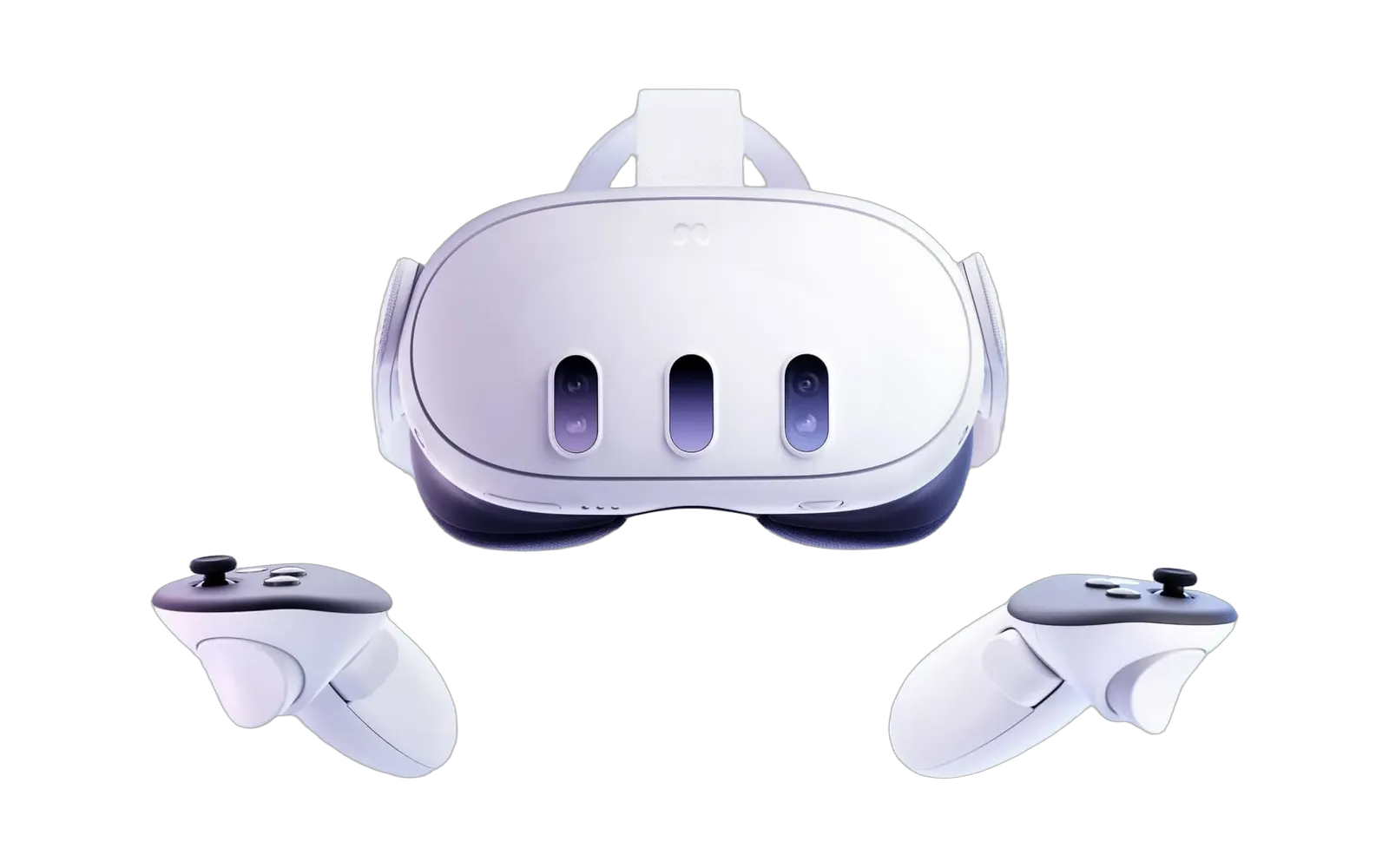
Developers can still test on a Quest 3 or Quest 3S. Meta lists a headset as recommended rather than required for getting started.
Meta's 15-hour rebuild claim
Meta tested the workflow by rebuilding the code for Project Flowerbed, an existing WebXR gardening experience. The company says the original project used tens of thousands of lines of custom code and that the new version took 15 hours to rebuild with AI and the Immersive Web SDK.
The team reused the project's existing creative assets. That distinction matters because the claim covers reconstruction of the codebase, not the complete production of the art, design, sound, and original concept.
Meta did not provide a controlled comparison with a developer rebuilding the same project without AI. The 15-hour result shows that the workflow can reproduce a known experience quickly under Meta's test conditions. It does not establish how long an original commercial VR game would take or how much human review the rebuilt code needed.
Quest tools extend beyond WebXR
Meta also introduced a broader command-line and Model Context Protocol toolset for Quest development. Meta VR CLI can connect an AI assistant to platform documentation, a headset, developer tools, performance traces, and Meta's 3D asset library.
One example captures a ten-second Perfetto performance trace from a Quest headset. The coding assistant can then examine missed frame targets and separate processor and graphics costs. Meta also provides reusable agent instructions for project setup, tool installation, interaction support, and performance work.
Unity, Android, and WebXR each have their own setup paths. The WebXR version has the most complete browser testing loop described in Meta's announcement. Unity developers can use Meta's XR extension and Interaction SDK support, while Android developers can use tools intended to help adapt flat applications for Horizon OS.
What developers need
Meta lists Node.js 20 or later, Chrome or Edge, and a supported AI coding tool as the starting requirements for the Immersive Web SDK workflow. A new project starts through the SDK's command-line setup, which configures the selected coding assistant.
The main unanswered questions concern production work. Meta's announcements do not measure defect rates, code maintenance, token costs, or performance differences between agent-written and hand-written projects. They also do not replace testing on the headsets a project plans to support.
For prototypes, the ability to inspect and operate a scene gives AI coding tools a concrete advantage over text-only generation. For a shipping VR experience, teams still need to review the code, test comfort, measure performance on hardware, and confirm that browser emulation matches real input.