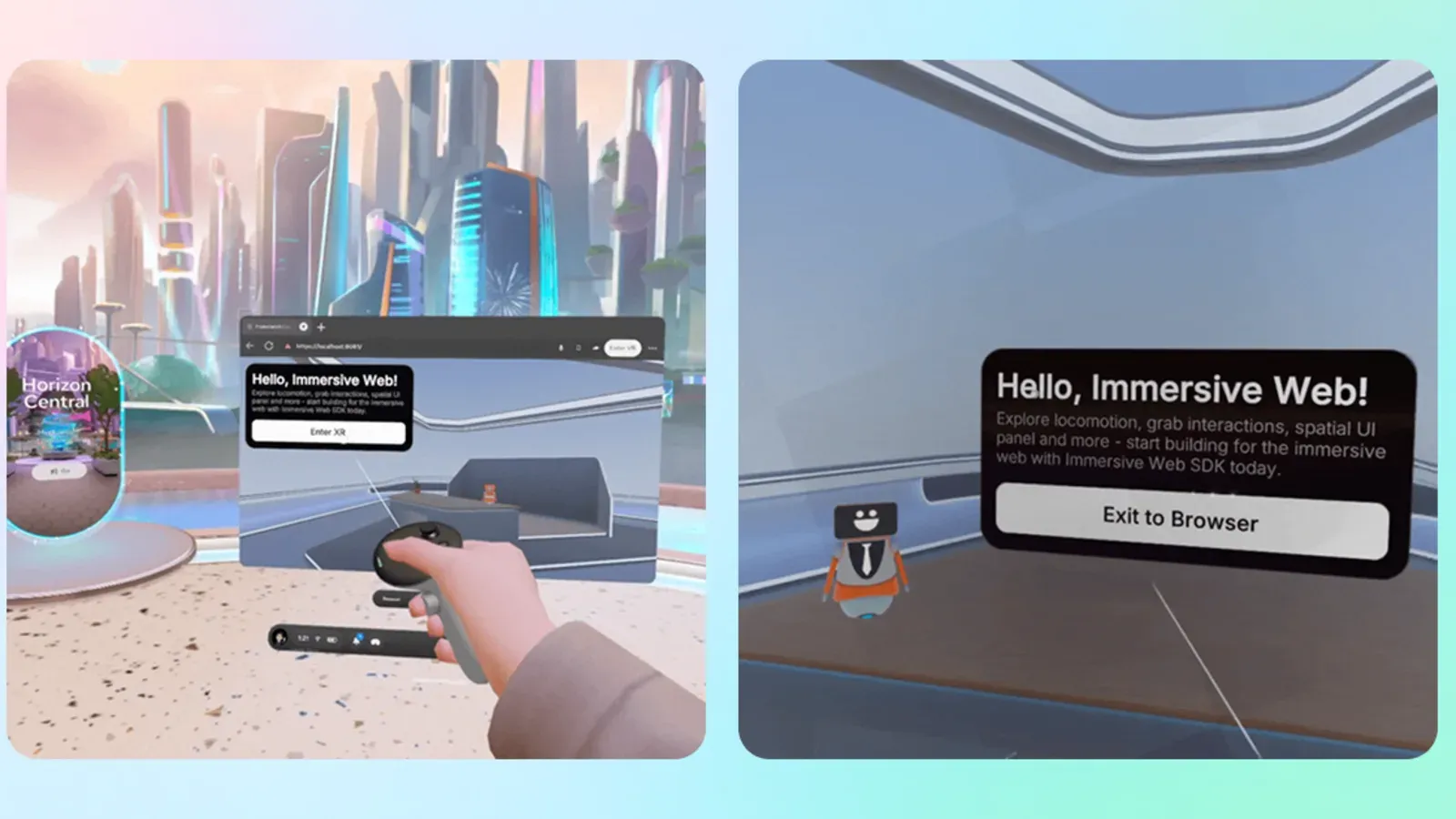
Meta released version 1.0 of its Immersive Web SDK on September 24. The WebXR toolkit now lets developers add gaze-and-pinch input to browser-based VR experiences. A user can target an object by looking at it, then pinch with either hand to select or move it.
The release notes say gaze works with the SDK's existing pointer and grabbing systems. Developers can use the same interactive targets they use for other input methods. Meta also added desktop emulation for the gesture, so teams can test it before using a headset.
What Quest users can expect
Meta's setup guide describes gaze-and-pinch as the input model for Meta VR Glasses. It says the SDK falls back to head pointing when a device does not provide a usable eye-gaze pose. Quest 3 and Quest 3S can run an immersive WebXR test of a project built for the glasses, but that test does not give those headsets eye tracking.
The SDK release alone does not change the controls on a WebXR site someone visits today. The site's developer has to adopt the new version and enable the input. Meta has not named a Quest Browser version or a live WebXR experience where owners can try the new gesture, as MIXED notes.