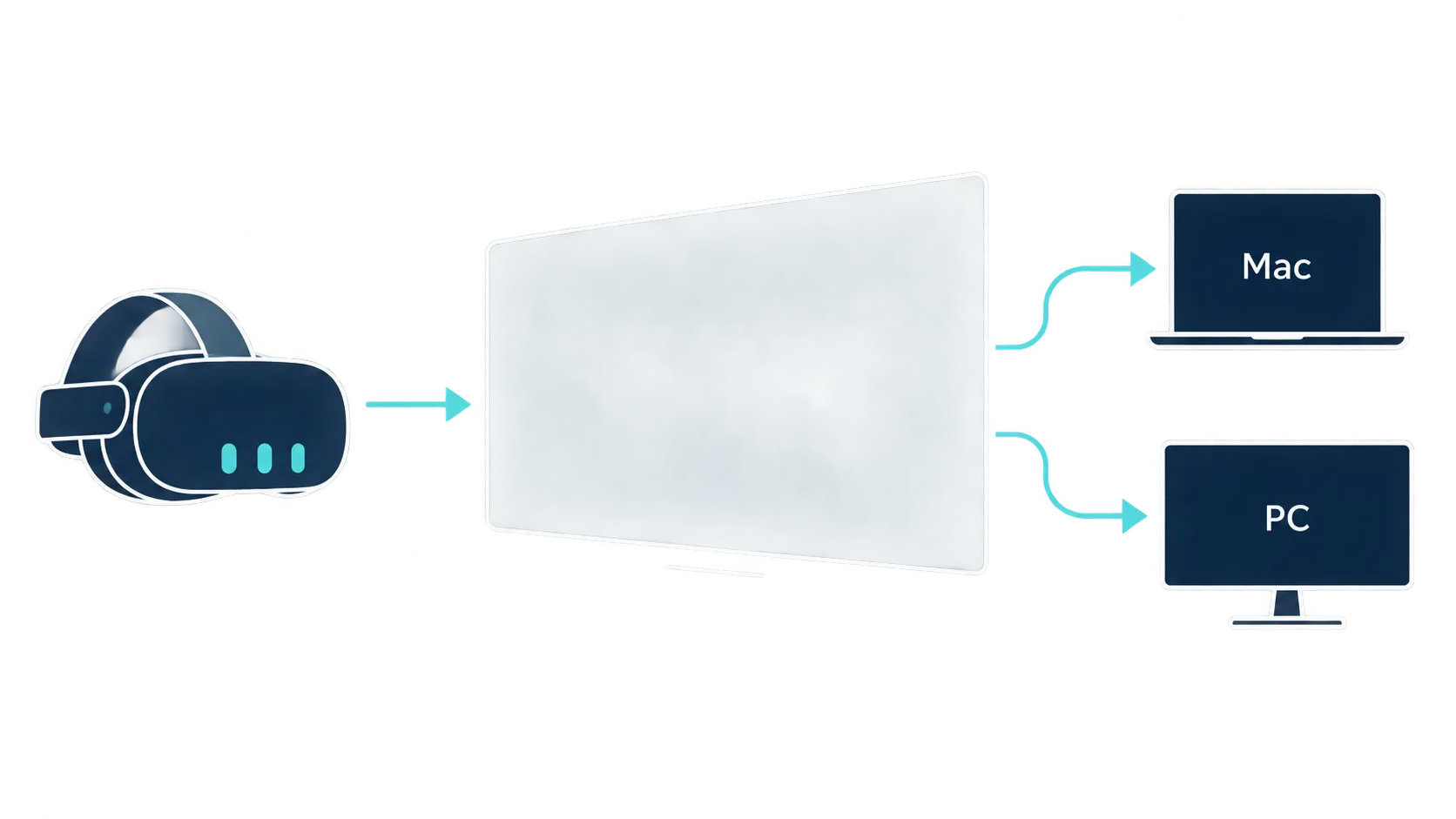
Meta's Quest remote desktop tool is now called Virtual Display, and it can forward Quest input to a connected Windows PC or Mac. The Mac version has also gained the quick-connect prompt and display layouts that arrived on Windows first.
The result is a more complete first-party option for putting computer screens inside a Quest headset. Where a keyboard and mouse are connected still decides whether they control only the computer or the wider Quest interface.
Input can now travel from Quest to the computer
Earlier versions mainly showed a computer screen inside Quest. Meta previously described Remote Display as a one-way connection that did not let the headset's controllers operate the computer.
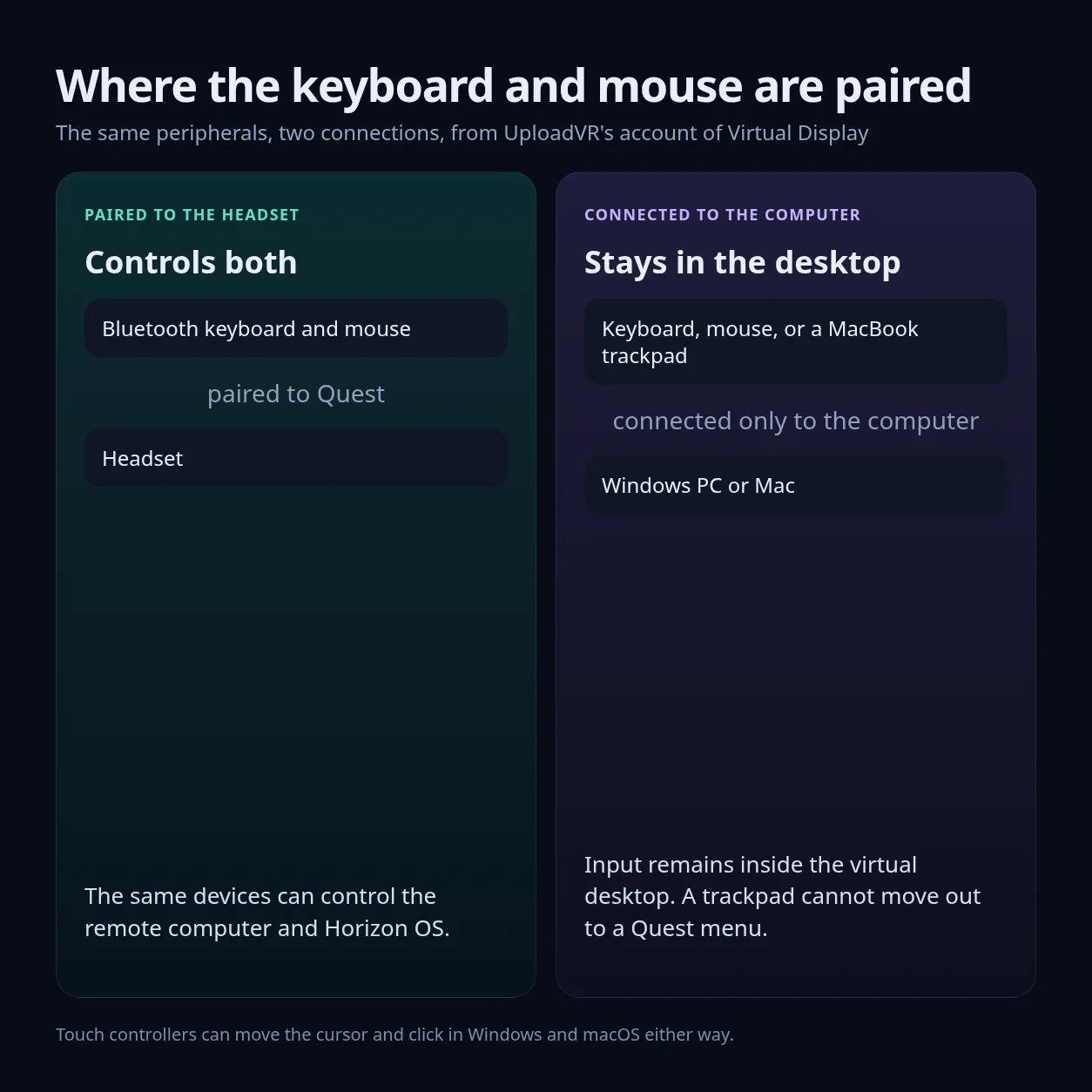
UploadVR reports that Touch controllers can now move the cursor and click inside both Windows and macOS. Keyboard and mouse behavior depends on how those devices connect.
Pair a Bluetooth keyboard and mouse with the Quest headset, and the same devices can control the remote computer and Horizon OS. Connect them only to the computer, and their input remains inside the virtual desktop. A MacBook trackpad, for example, can move the macOS cursor but cannot carry that cursor out to a Quest menu.
That makes direct pairing with Quest the more flexible desk setup for someone who moves between computer work and headset panels. Keeping peripherals connected to the computer still works when the session stays within the desktop.
Mac gains the main Windows display options
Looking at a physical Mac can now place a floating "Connect to view in headset" button over it in passthrough. The prompt starts a session without opening Virtual Display and selecting the computer from a list. Meta introduced the same interaction for Windows 11 in late 2024.
UploadVR tested the Mac feature on an M2 MacBook Air and a 2017 27-inch Intel iMac running macOS Ventura. Both connected and showed the quick-connect prompt. A 2017 Intel MacBook Pro also ran Virtual Display, but the prompt did not appear on that machine.
Those results show that the current client can still work on older Intel Macs. They do not establish quick-connect support for every compatible Mac. UploadVR tested macOS client version 104.0.0.1.109.
Mac users now get Portrait, Compact, Wide, and Ultrawide display formats. They can also choose Larger text, Default, or More space to change how much of the desktop fits on the virtual display. Meta says the Quest app supports up to three large virtual screens.
Windows 11 and macOS still use different computer software. Windows connects through Microsoft's Mixed Reality Link, while Mac uses Meta Quest Virtual Display. The headset experience now covers the same main layouts, multiple monitors, quick connect, and input forwarding on both platforms.
Remote Desktop and HDMI Link now share one app
Meta documented the change from Remote Desktop to Virtual Display with Horizon OS 2.7, which began rolling out during the week of August 17. The new name covers more than computers.
Meta also moved the functions of its separate Quest HDMI Link app into Virtual Display. With a compatible HDMI-to-USB-C capture setup, the Quest app can show a console, handheld, or phone on a large virtual screen.
Support for the standalone HDMI Link app will wind down, while HDMI display support will continue inside Virtual Display. Quest now has one first-party app for Windows PCs, Macs, and external HDMI devices.
Meta has rolled out several of these changes without detailed release notes for each step. Mac owners who do not see the layouts or quick-connect behavior described here should check the computer client and headset software versions before deciding that their hardware lacks support.