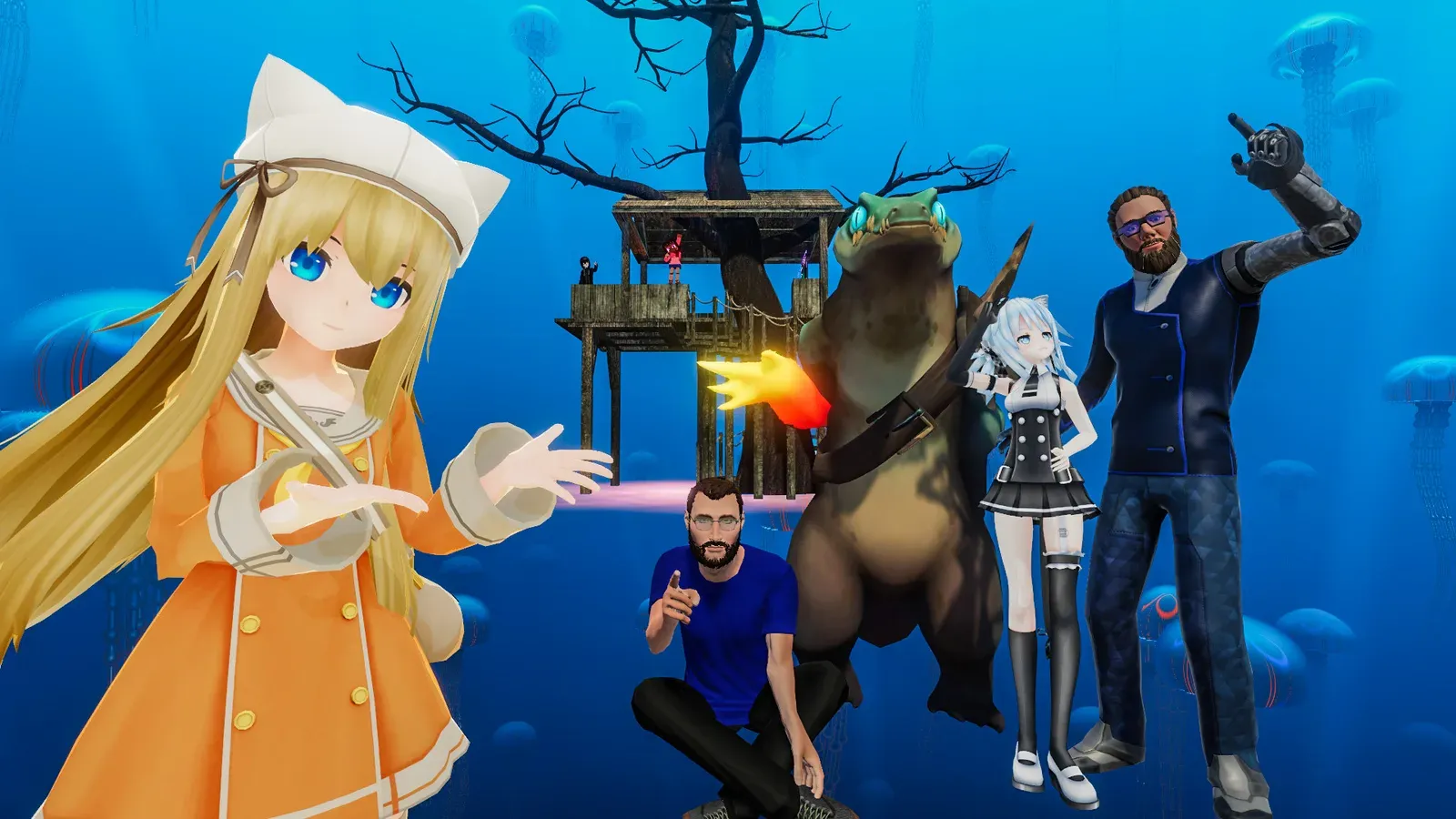
VRChat's Unity 6 client is now the live version for players. Release 2026.3.3 arrived on October 2 as build 1919, according to VRChat's release notes. Players get the engine change through the normal app update. World and avatar creators must keep their SDK projects on the existing supported toolchain.
The warning is explicit. VRChat says, "Do NOT upgrade your SDK projects to Unity 6. It will not work." The company will announce when the SDK is ready, but these notes give no date.
As MIXED reports, the change removes the need to opt into a Unity 6 beta. VRChat says it tested the client in closed and open betas and expects players to notice little difference from the engine change itself.
What players will notice
Desktop players get a new heads-up display with clickable buttons for common actions in the top corners. Hold TAB in first-person mode to release the mouse cursor and use those controls, or select players, portals, props and prints. The face mirror can dock in the upper right corner, and players can customize the display or turn it off.
The in-app keyboard can now move away from the menu. Grab it while hovering over it, then drop it beside a text field to dock it with the menu, or farther away to place it in tracking space. Drag the bottom corner tabs to resize it.
Word suggestions use words you have typed before. VRChat says that history stays locally on the device for each user. Suggestions switch off in Streamer Mode and when a PIN or password field has focus.
The release also adds news to the Quick Menu and Notification Center. Its fixes cover invite-related user-data issues and a startup crash with the message "SuspendThread Loop failed". VRChat expects its user-data rewrite to resolve several location and state problems, though it does not list every affected issue.
Creators get diagnostics in the client
The new Net Tools debug page shows network events, details of what halted an UdonBehaviour, and information about its networking. Creators can use those tools to investigate a world in the updated client while keeping their authoring projects on the supported SDK setup.