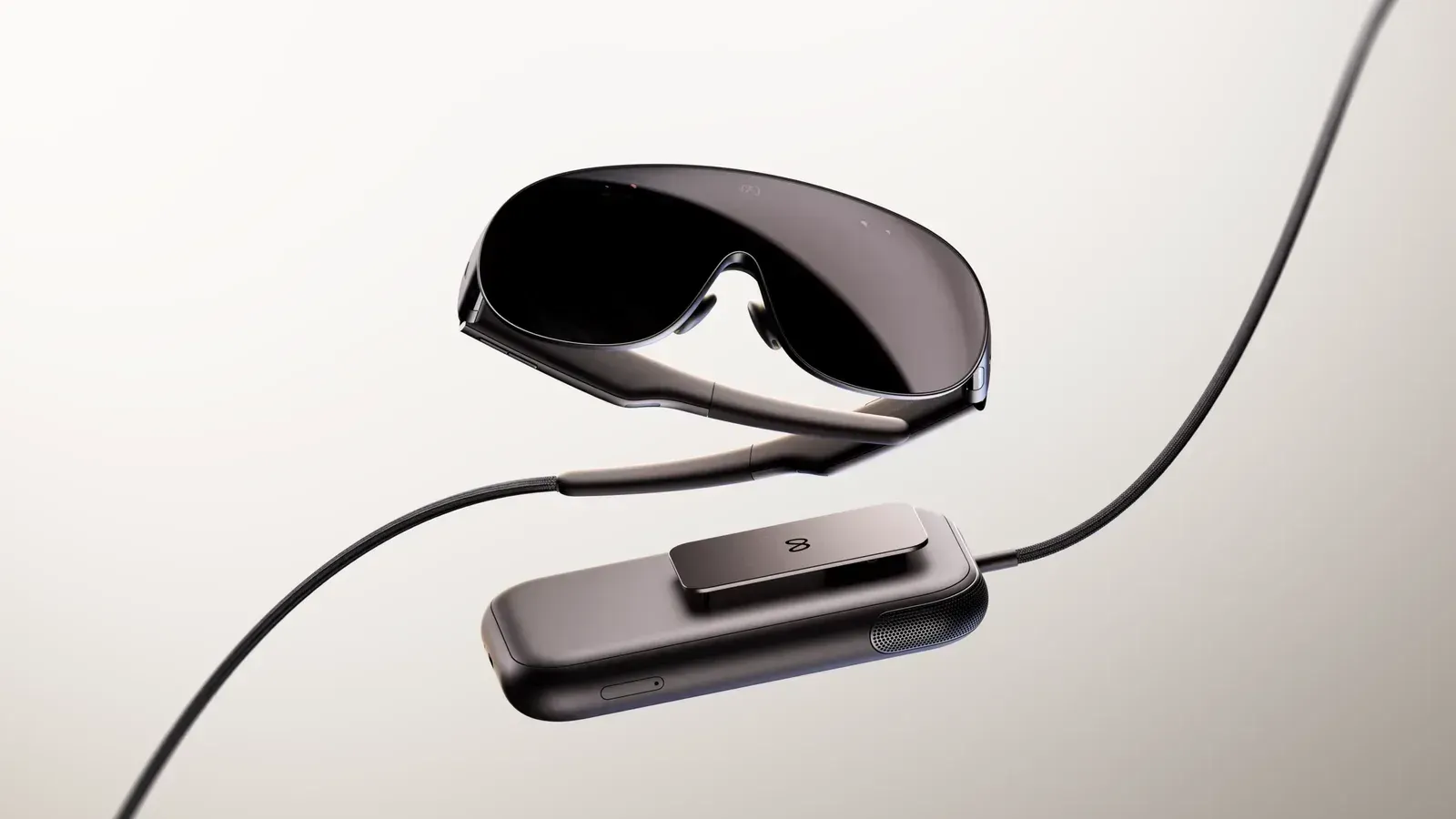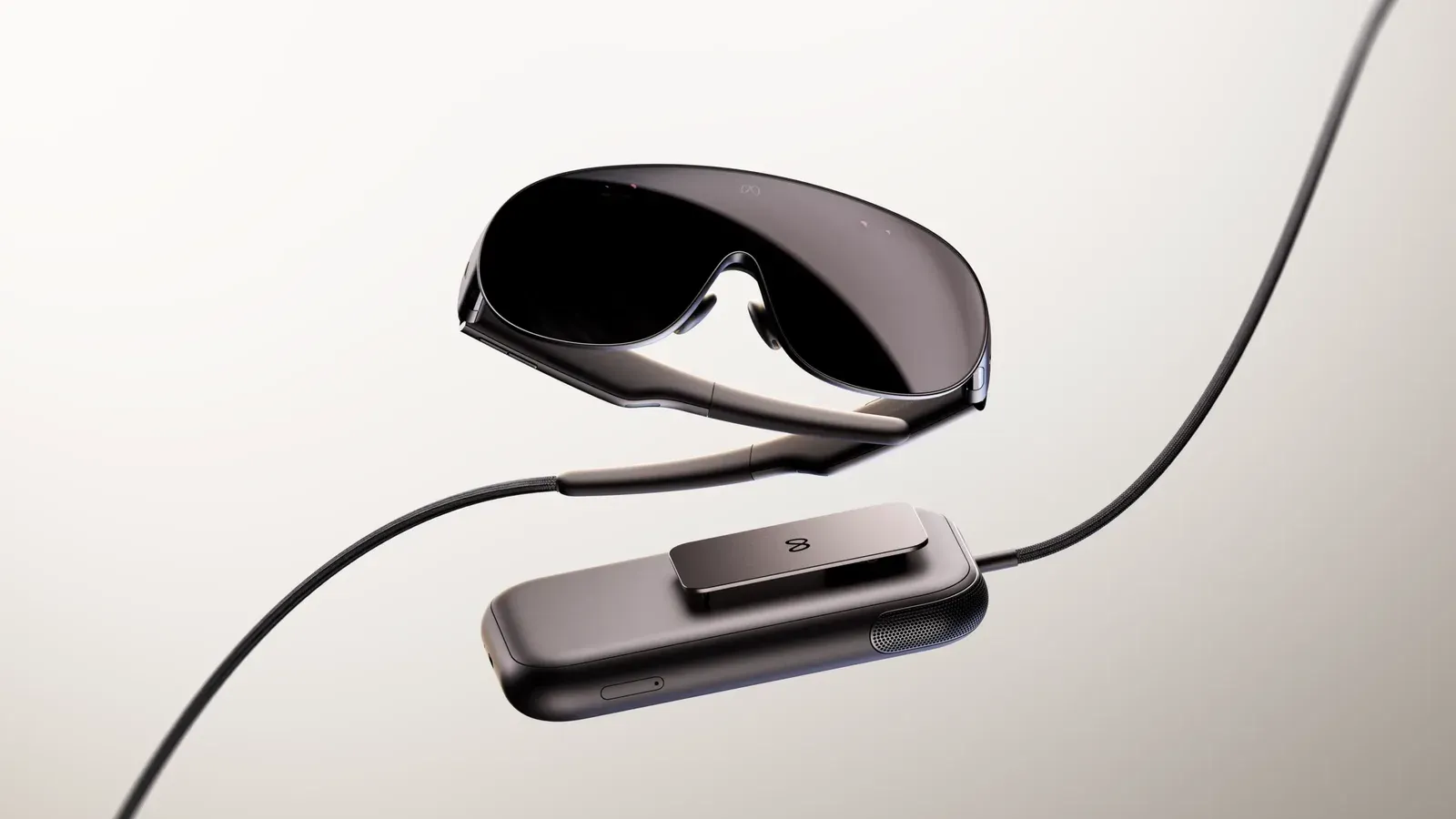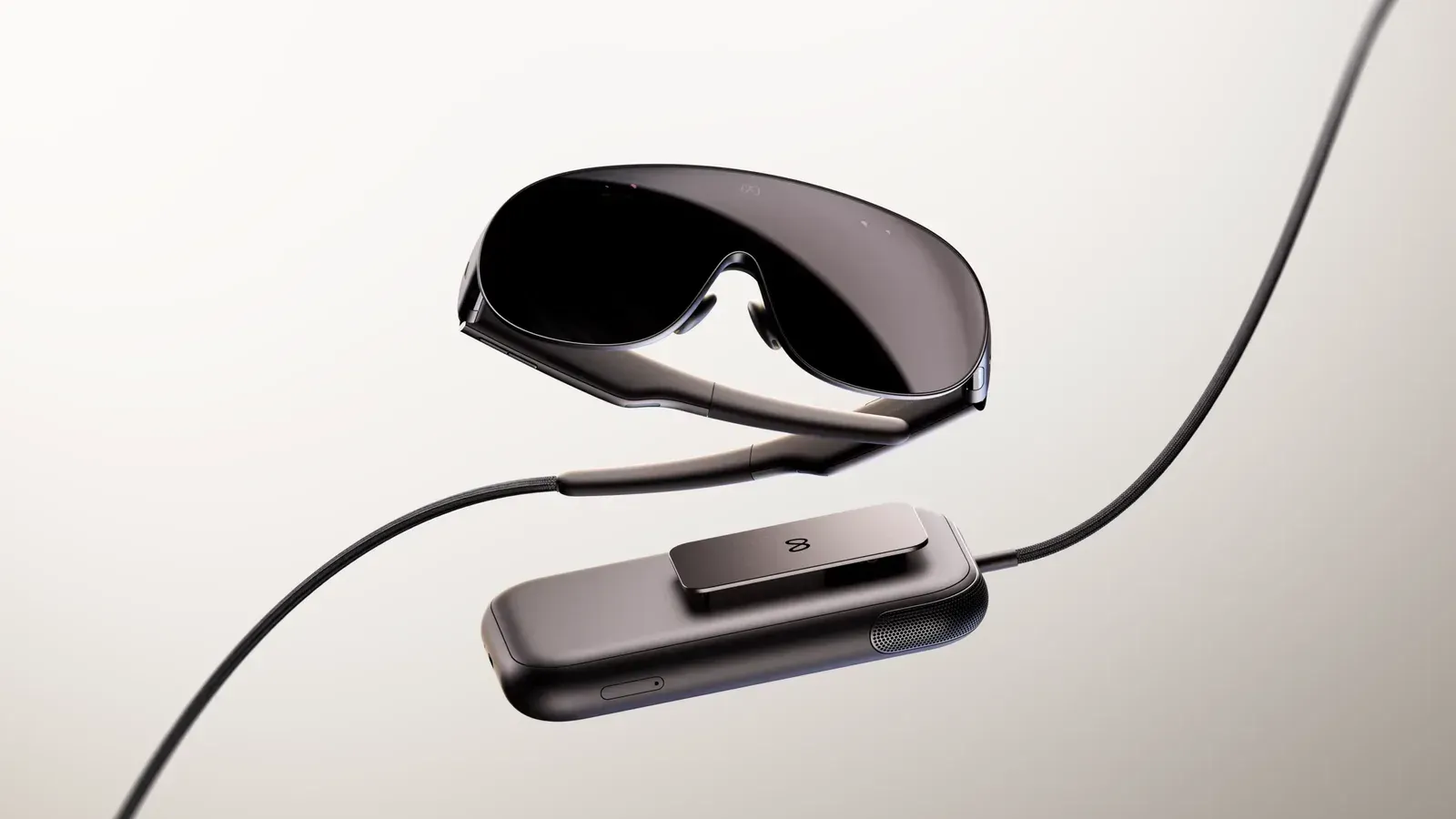
Meta's metavr device fov-sim enable command masks a Quest's view to 70 degrees horizontally by 66 degrees vertically, the nominal field of view of Meta VR Glasses. MIXED reports that the tool lets developers check apps for the glasses using existing hardware. For buyers, it gives app developers a way to test how menus and other content fit into a narrower view than Quest 3's cited 110 degrees horizontally.
The command adds a practical test to the numbers in our earlier VR Glasses specification coverage. App compatibility leaves another question to answer: how much of an app can you see at once?
Two crops to test app layouts
Adding --perceived to the command applies Meta's tighter 58 by 54 degree target. Running metavr device fov-sim disable restores the normal view. The override also resets when the headset reboots. The headset needs developer mode enabled, and the connected computer needs Meta VR CLI installed.
MIXED notes a disagreement in Meta's supported-device lists. The overview names Quest 2, Quest 3, Quest 3S and Quest Pro. The CLI instructions list Quest 3, Quest 3S and Quest Pro, leaving out Quest 2. Quest 2 owners should check which route Meta supports before relying on the tool.
Unity developers can also apply the crop within an app. Meta XR Core SDK 207.0 adds field-of-view simulation options through OVRManager and Immersive Debugger. MIXED says developers can find them under Quest > Quest Features > Experimental in the editor. The SDK release also adds an experimental Device Readiness Check Tool that scans a project and produces a VR Glasses readiness report.
A menu can escape the mask
The device-level simulation has a limitation before Horizon OS v209. It does not clip compositor layers, so 2D panels rendered that way can remain visible beyond the simulated view. A menu may look accessible in that test even though the glasses would clip it. MIXED reports that Meta's two Unity simulation routes avoid this problem.
The mask blacks out the edges of the Quest's own panels. It leaves the headset's optics in place, and Meta says captures made with the tool do not reproduce the view through the glasses' lenses. Use a cropped app demonstration to assess layout, then look for a hardware test to judge optical quality.