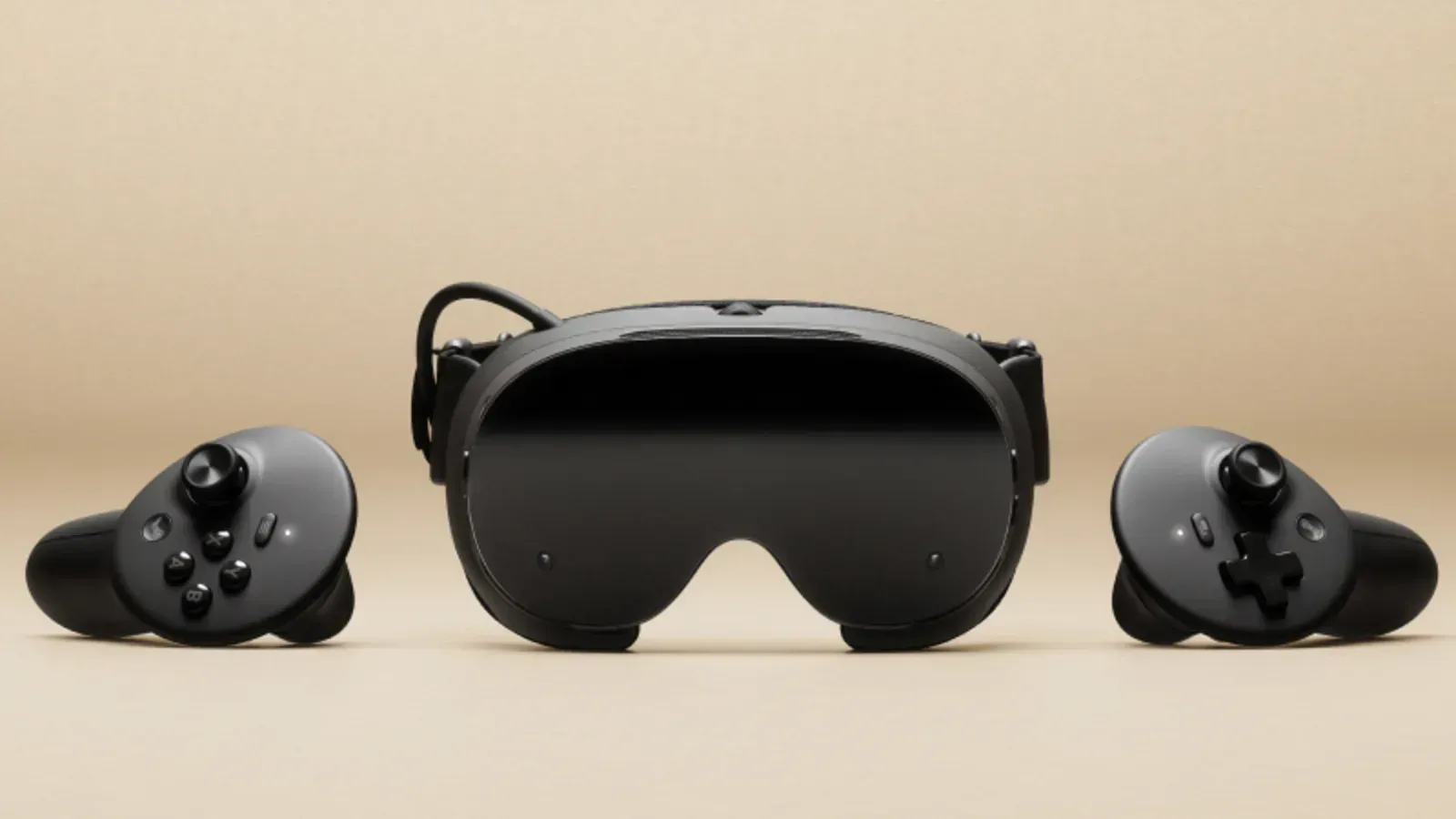
QuestLHSync offers Steam Frame owners a way to keep Lighthouse trackers aligned with the headset's own tracking, without SpaceCalibrator or a tracker mounted on the headset. The unofficial SteamVR driver uses the headset's cameras to detect base-station laser flashes. MIXED reports that release 1.5 added Frame support on October 3.
The headset sends camera-derived data over the local network. A driver on the PC calculates the alignment and applies it to Lighthouse devices. On Frame, the headset software installs under the user's account without root access or a developer password. Quest installation requires root access through Magisk.
What the setup requires
The project README requires a Windows PC with SteamVR, the PC and headset on the same local network, and at least one active Lighthouse tracker or controller. Owners must turn off SpaceCalibrator or OpenVR-SpaceSync before using QuestLHSync, because competing corrections interfere with each other.
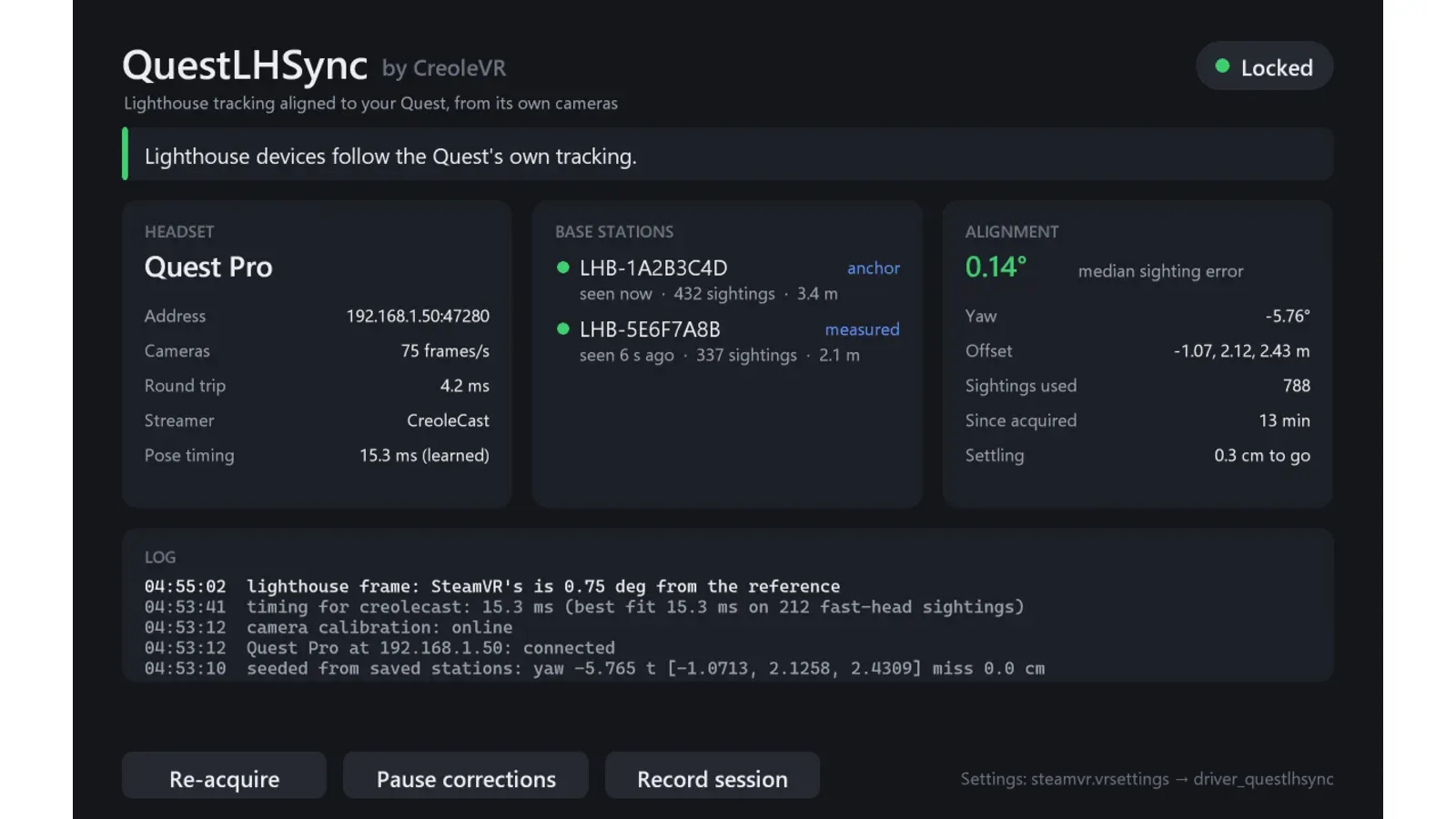
The project says initial alignment takes about half a minute. MIXED reports dashboard controls to re-acquire alignment, pause corrections and record a session. The screenshot above is the project's published Quest Pro dashboard example.
MIXED's launch report identifies Quest Pro as the tested headset. It says Quest 3 and 3S had yet to be tried, and the Frame support notes carried no test statement. The report provides no Frame accuracy measurements.
The headset service answers requests from anyone on the local network without authentication. It sends bright-spot positions, camera calibration and headset identification details rather than camera images. That makes a trusted network part of the setup decision.